The Live Production Timer for
Streamers & Esports
Whether you're solo on Twitch or running a multi-stage tournament — Tevyr keeps every segment, sponsor read, and break perfectly timed. Build your run-of-show, send silent cues to talent, automate OBS and Stream Deck, and engage your audience with live polls — all controlled from your phone.
Map Out Your Whole Stream in Minutes
Plan every segment of your stream — pre-show countdown, gameplay, sponsor reads, Q&A, breaks. Link them so the entire stream auto-advances, or trigger transitions manually from the booth. Already have a schedule? Import it from a CSV.
- Create a session for each segment — pre-show, gameplay, sponsor read, Q&A, break
- Link segments to auto-advance through the whole stream automatically
- Schedule precise start times so on-time segments hit the second
- Ad-hoc timers for unplanned moments — extended Q&A, breaking news, invitational rounds
- Import from CSV to pull in your existing show plan
 Tournament Day 1 — Quarterfinals7:30 PM PT
Send Cues Without Breaking the Stream
Talk to your streamer or on-camera talent without ever touching the public feed. Type a cue from your phone — 'Wrap up', 'Sponsor read next', 'Going to break' — and it appears on the talent monitor instantly. Color-coded by urgency, with audio chimes that stay where you want them.
- Silent message cues to the talent screen — without on-stream interruption
- Color-coded urgency — green for info, amber for warning, red for urgent
- Warning thresholds change the timer color automatically as the segment ends
- Audio chimes at thresholds and segment changes — set different sounds per screen so the studio stays quiet but the booth gets a clear cue
- Progress bar so the streamer can pace by glance, no math required

Catch Timing Slips Before They Cost You
Live streams slip — segments overrun, breaks shrink, scheduled events collide. Tevyr watches every session against the plan and flags trouble the moment it appears. Every warning comes with one-click resolves so you never lose airtime calculating new timings by hand.
- Running over or under — colored delay badge on every screen with downstream timing recalculated automatically
- Gap & conflict indicators — flags overlaps and gaps before they become dead air, with one-click Create Break / Extend / Shift / Merge actions
- Scheduled-due alerts — Start Now / Delay +5 / +15 / +30 from the same card, no menu hunting
- Target-time-passed detection — for segments pinned to a specific clock time (commercial cut, network handoff)
- Scheduled session linking — auto-start downstream segments so overrun cascades self-heal
A Custom View for Every Crew Member
Every person in your production sees exactly what they need — and only what they need. One link per role, all in perfect sync.
- Streamer view — large countdown, private cues, teleprompter script, next segment preview
- Producer view — full timer controls, all messages, complete rundown, connected device count
- Engineer view — countdown only, technical cues, automation status, crew-only chat
- Audience overlay — clean countdown for OBS browser source, fully transparent
- Sponsor wall — rotating logos and branded content for break screens
- Split-screen output — run multiple countdowns side by side on one display, e.g. main timer + ad-hoc timer for an interactive prompt
Plugs Right Into OBS, vMix, or Streamlabs
Drop Tevyr in as a browser source and you're done — no plugins, no installs, no fiddling. Control everything remotely from your phone or second monitor while you focus entirely on the stream.
- Browser source overlay — transparent timer overlays, just paste a URL
- Isolate display elements — show timer only, messages only, or full layout per screen
- iFrame embeds — pull in dashboards, sponsor graphics, or external widgets alongside the countdown
- Sponsor walls — rotate partner logos during breaks and transitions
- Remote control from any device — phone, tablet, laptop, all in sync
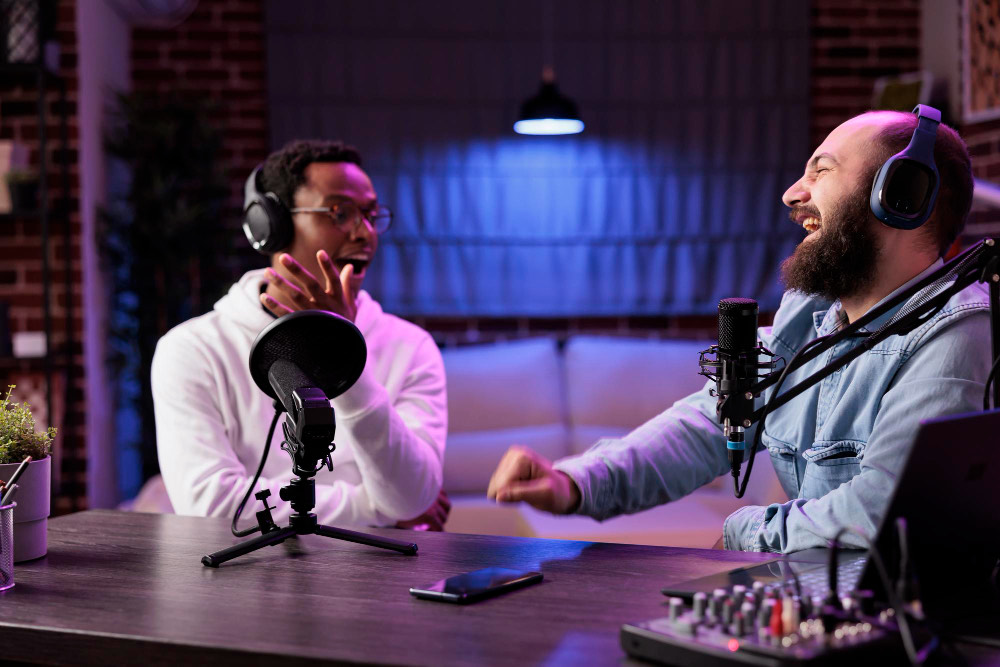
Pull Viewers Into the Stream
Turn passive viewers into participants. Share a QR code or link, and viewers submit questions or vote in live polls right from their phones — no app, no signup, no friction.
- Audience Q&A — viewers scan a QR or open a link, submit questions, optionally add their name. Moderators review and display selected ones on the stream feed.
- Live polling — single choice, multiple choice, rating, or quiz formats. Run a poll mid-stream and display results in real time.
- Crew chat — coordinate with co-streamers and production crew, separate from the audience-facing channel
- Multi-stream coordination — share the timer link with co-streamers so everyone's countdown stays synced across channels
Wire Tevyr Into Your Production Stack
Connect Tevyr to your broadcast infrastructure via webhooks, Slack, or the REST API. Automate the technical side of your stream so you can focus on the content.
- Webhooks — fire HTTP requests at session start, segment end, threshold crossings — to OBS, vMix, Streamlabs, or any tool that accepts a POST
- REST API — programmatically control timers, sessions, and messages from any external system or custom script
- Bitfocus Companion — bind Tevyr actions to Stream Deck buttons for tactile, instant control
- Slack & Teams notifications — post "Stream live", "Going to break", "Stream ended" to your team channels automatically
- Recording control — start/stop OBS, vMix, or Blackmagic ATEM recording when sessions transition
Beyond the Countdown — The Full Streaming Stack
Tevyr is more than a countdown. It's a full streaming production toolkit — teleprompter, sponsor walls, audio chimes, movable connections, and more, all built into the same browser tab.
- Teleprompter — auto-scrolling scripts synced to each segment. Adjust speed live during the stream so on-camera talent never loses their place.
- Movable connections — generate display links once and move them between rooms. Use the same link for tonight's stream and tomorrow's tournament — no link regeneration.
- Single shared link — one link works across multiple events. Share it with co-streamers or your crew once.
- Audio chimes per screen — configure different sounds on each output. Subtle for the studio, louder for the booth, off for the audience overlay.
- iFrame embeds — overlay dashboards, sponsor graphics, or external widgets right next to the countdown
- Activity logs — review which segments ran over after each stream. Tighten future runs by spotting where time is consistently lost.
More Built for Streamers
iOS App
Control your entire stream from your iPhone. Start segments, send cues, adjust timing — all from the studio without touching a computer.
Learn about mobile controlCustom Branding
Add your channel logo, on-brand colors, and custom fonts. The timer looks professional on every screen — not like a generic web tool.
Learn about appearanceActivity Logs
Review segment timing after each stream. Compare actual vs planned duration to tighten your run-of-show.
Learn about activity logsFree Tier
Fully functional timer with up to 3 live connections. Perfect for solo streamers and small productions. No credit card required.
View pricingPre-built integrations
Already integrates with the tools you use
Wire Tevyr into your existing rig — no rewrites, no proprietary protocols.
OBS Studio
Drop Tevyr screens in as browser sources, switch scenes from Tevyr cues, control recording from a single button.
vMix
Web Browser inputs, transparent overlays, and shortcut buttons that drive Tevyr from your existing vMix surface.
Bitfocus Companion
Stream Deck control of every Tevyr action — and the bridge between OBS hotkeys and Tevyr cues.
Ready to Run a Cleaner Stream?
Trusted by streamers, esports producers, and broadcast teams worldwide. Free to start, no credit card required.